 Twynon
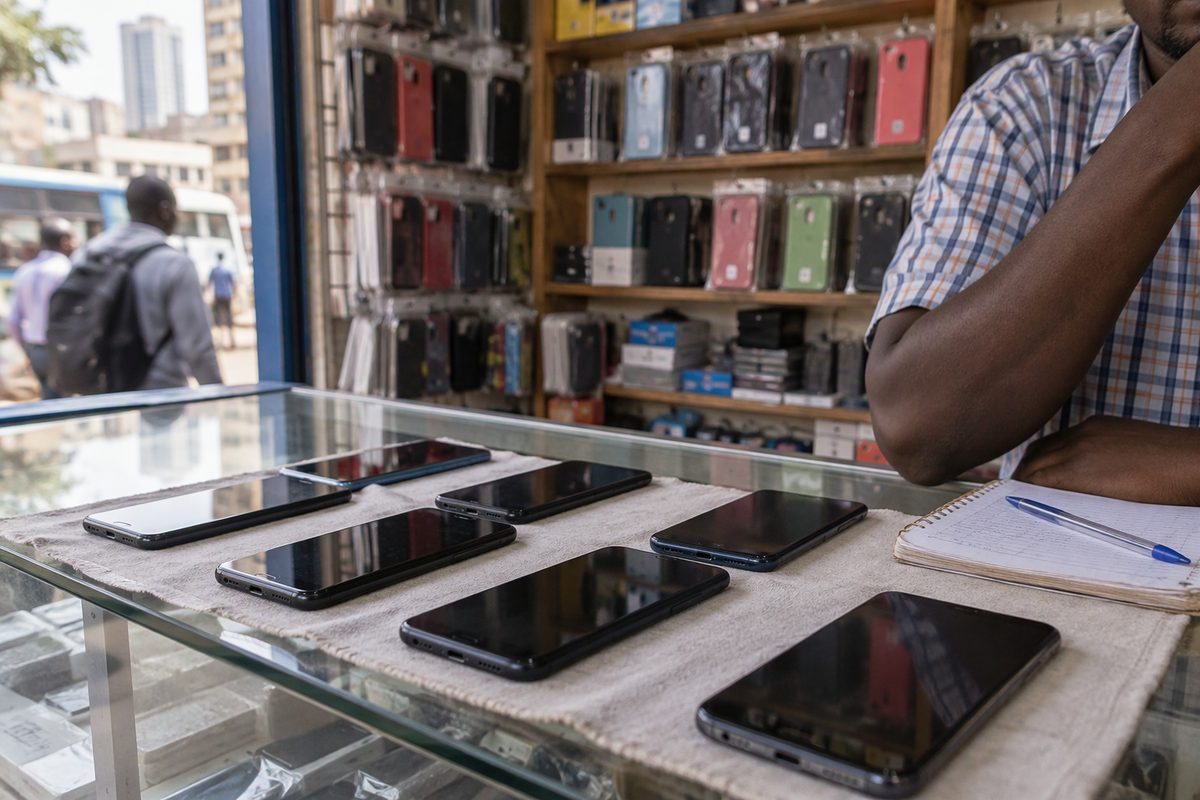
Stolen phone check: 5 safe steps before you pay
A stolen phone check starts with the IMEI, not with the seller's story. Read the number, text it to 1555 and test the account locks before you pay.
Twynon team
5 November 2026 · 5 min readA stolen phone check in Kenya takes under a minute. The answer comes back by SMS, and the check needs no app. Dial the IMEI code, text the number to 1555, then test the account locks. Do all three before you pay.
A used phone can look perfect and still be locked, cloned or reported. So start with the number on the handset, not with the seller's story.
How to check if a phone is stolen
Dial *#06# on the handset. The screen shows the IMEI, usually 15 digits. Compare it with the number printed on the box, the sticker under the battery tray or the original receipt. If the numbers do not match, stop. A mismatch can mean a swapped board, a cloned handset or a box that belongs to another phone. Write the IMEI down. You will need it for the next step and for your own records.
Text the IMEI to 1555
The Communications Authority of Kenya runs an IMEI checker. Text the 15-digit IMEI to 1555. The service is free, and the reply states whether the IMEI is valid and gives the phone model. The same page carries an online checker form if you prefer to type the number. The Authority type-approves devices sold locally and states that counterfeit devices lack valid IMEIs. So a valid reply is a good sign. It means the number is recognised and matches a model.
Understand what the phone check does not prove
A valid IMEI does not prove that the phone is not stolen. There is no public stolen-device blacklist that a buyer can search, and the IMEI result does not name the owner. So do not treat the 1555 reply as a certificate of clean ownership. Use it to catch the obvious cases: an invalid IMEI, a model that does not match the phone in your hand, or a seller who will not let you dial the code. The quickest way to run a stolen phone check is still to dial the code yourself.
Check the phone locks in front of the seller
On an iPhone, ask the seller to sign out of iCloud and turn off Activation Lock before you pay. On Android, ask them to remove the Google account and any screen lock. Watch the reset happen. A phone that still asks for someone else's account after a reset is a phone you cannot fully use. Also ask the seller to insert your SIM and make a call. Then check that the network connects and that the phone reads the SIM. If the seller avoids this, walk away. A seller who refuses that check is a seller to leave.
Match the phone, box and receipt
Check the model, storage size, colour and serial number against the box and the receipt. Ask where the phone was bought and whether the receipt is in the seller's name. A receipt can be faked. Still, it is one more thread to pull. If the seller bought it recently, ask for the original invoice. If the phone is still under warranty, also ask which shop handles the warranty and whether the warranty card is present.
Test the parts that fail quietly
Meet in daylight and bring a charger. Test the battery health screen, the front and rear cameras, the speaker, the microphone, the charging port, Wi-Fi, Bluetooth, the fingerprint or face unlock, and every button. Then make a short call and record a voice note. Play a video at full volume. On an iPhone, open Settings, then check Battery Health. On Android, use the built-in diagnostics or a trusted hardware test app. Ask a repair technician to inspect the board if the price is high. A small inspection fee is cheaper than a dead phone.
Meet safely and document the sale
Also meet in a public place during the day and take a friend. Ask to see the seller's ID and note the name. Write a short sale note with the phone model, IMEI, price, date, seller name and phone number. Keep the M-Pesa message or receipt. Do not send a deposit to hold a phone you have not seen. If the seller insists on a deposit before inspection, look for another seller.
If the phone turns out to be reported later
Report the matter to the police and give them the IMEI, the sale note and the seller's details. Contact your network operator if the line is affected. Then keep the phone and the paperwork. Do not confront the seller alone, and do not pay anyone who promises to recover the phone for a fee.
Check the phone before you pay
Dial *#06# and compare the IMEI with the box. Text the IMEI to 1555 and confirm the model. Check Activation Lock or the Google account. Test calls, cameras, sound and charging. Ask for the receipt. Note the seller's ID and write a sale note. Pay only after the phone passes every check.
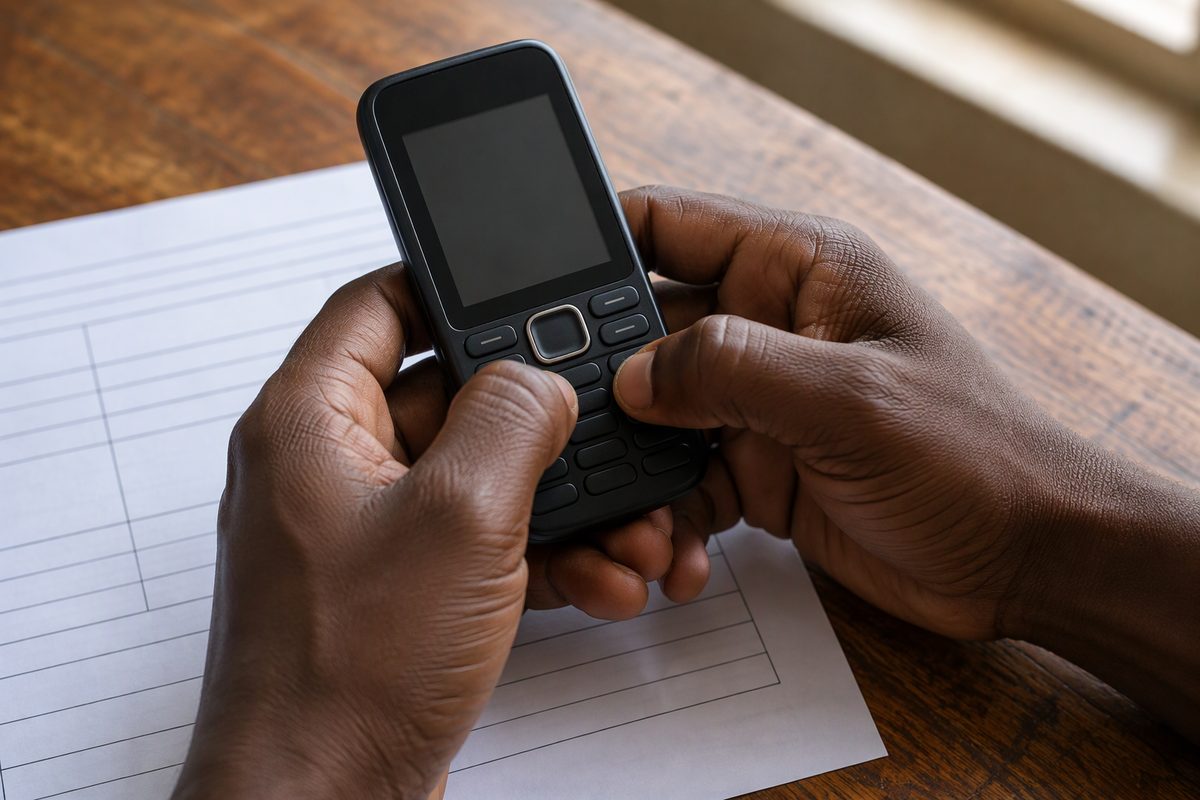 If you want to see what nearby sellers have before you travel, post a request on the Looking For feed and ask each seller for the IMEI and a short video of the phone. Explore shows the listings close to you. Our guide to verifying a seller covers the paperwork side, and how Twynon works explains the request flow in one page.
Common questions about phone checks
Is the 1555 IMEI check free?
Yes. The Communications Authority lists the SMS check as free. Standard network charges for the SMS may still apply depending on your operator.
Can the IMEI check tell me if a phone is stolen?
No. It confirms that the IMEI is valid and identifies the model. It does not confirm ownership or stolen status, so you still need the locks, paperwork and a physical inspection.
Should I buy a phone that is still signed in to the seller's account?
No. Ask the seller to sign out and reset the phone in front of you. If they cannot, the phone is not ready for sale.
Twynon team
Writes the buying and selling guides on the Twynon blog.